LeapPad Academy vs. a Standard Tablet: Choosing a First Learning Device for Kids
Posted on 2026-08-21 by Miriam Adler
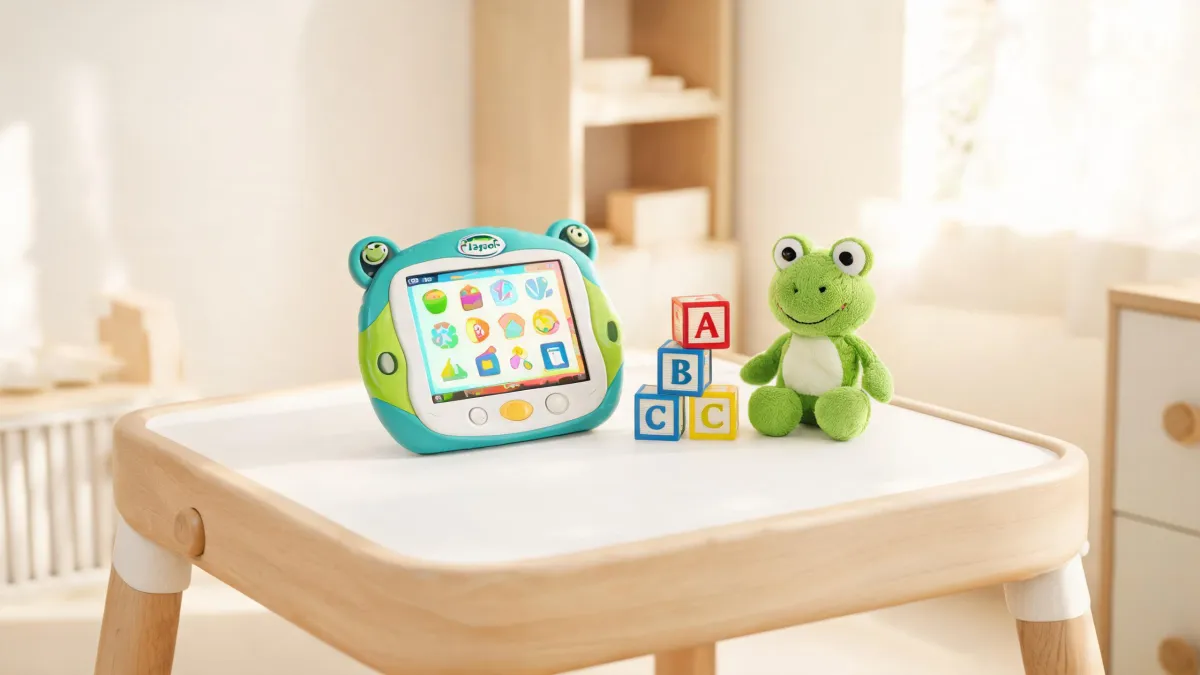
Imagine you are at the moment of choosing a first tablet for your 4-year-old and 6-year-old. One option promises safety and structure; the other promises freedom and flexibility. The standard way to frame this choice is to compare screen sizes, storage, and cameras, as if the hardware itself were the product. But the real decision is about who controls the learning path. A dedicated learning tablet like the LeapPad Academy gives you a closed, age-sequenced environment where the device decides what comes next. A general-purpose tablet with parental controls hands the job back to you: you will vet apps, set limits, and manage every download. That is not a minor detail; it is the core of the choice. The dedicated device wins when you want a confined, curriculum-aligned first screen for a child aged 3–8. It loses when you need an open tablet that can grow into a school tool or a general entertainment slate. This article walks you through the evidence so you can decide which side of that fork matches your family.
The first-tablet fork: a closed learning device or an open slate?
The first thing to untangle is the false assumption hiding in the term 'learning tablet.' Most parents assume it means a regular tablet that happens to come with some education apps preinstalled. That assumption pushes you to compare the LeapPad Academy with an iPad or a Fire tablet as if they were the same kind of product with different case colors. They are not. A learning tablet is not defined by its app list; it is defined by its boundaries. The Academy restricts what can be installed, what can be browsed, and even how content is ordered. A general-purpose tablet, even with parental controls, is still an open device underneath those controls. The controls are a layer you manage; they do not change the nature of the machine. So the first step in this decision is to abandon the idea that all tablets are basically alike. The moment you separate 'learning tablet' from 'tablet with learning apps,' the comparison becomes honest, and the criteria you apply become far more useful.
LeapFrog's own website reinforces that distinction before you even open a box. The brand's homepage promotes 'LeapFrog Academy' with '2,000+ Learning Activities' and a '1-Month Free Trial,' and it places the LeapPad Academy under a category called 'Learning Tablets' rather than grouping it with general-purpose slates. That placement is a signal, not a subtle one. The value of the device is tied to a subscription service that sequences those 2,000+ activities into an age-graded path, which is exactly what a general-purpose tablet does not offer. When you compare the Academy to an open tablet, you are not comparing processors or screen quality; you are comparing a managed curriculum against an unmanaged marketplace. For a parent who wants a confined, curriculum-aligned first tablet, that managed path is the advantage. For a parent who needs a flexible device, it is the limitation. That is the real product on offer, and it is easy to miss when you are staring at a glossy box. The evidence, straight from the company, points to the same fork this whole decision turns on: structure versus freedom.
Inside the Academy: what the curated package actually contains
Once you accept that the Academy is a closed system, the next question is what it actually contains. The official support pages answer with something called the 'Academy Learning Path.' The same structure appears on both the product catalog and the support site, and it is divided into age bands that run from Baby (6–11 mos.) all the way up to Grade 2–3 (7–8 yrs.). Between those endpoints sit Preschool (3 yrs.), Pre-K (4 yrs.), Kindergarten (5 yrs.), and Grade 1 (6 yrs.). That ladder is not a decoration; it is the skeleton of the product. Content is organized around these stages, so a four-year-old does not see the same library as a seven-year-old. The device knows the child's stage and adapts activities accordingly. That is what makes the Academy a learning path rather than a shelf of games. A general-purpose tablet shows you an app grid; the Academy shows you a sequence. This is the core of what the curated package includes—and it is the reason the device feels more like a tutor than a toy.
The other half of the correction is what the Academy does not include. It is not a general-purpose tablet, and LeapFrog's own navigation says so. On the homepage and in the legal product listing, the device is filed under 'Learning Tablets,' while the broader app ecosystem and open tablets live in separate categories. That placement reflects a deliberate architecture: the Academy runs only approved apps, has no general web browser, and does not connect to a standard app store. You cannot sideload a school's required reading app or install a video service without checking whether LeapFrog offers it. For many families, that is the appeal—a contained environment with no accidental detours to the open internet. But it is also the boundary you need to respect. Once you see the category placement, you see the truth: the Academy is a different kind of device, and its usefulness depends entirely on whether you want that containment.
The criteria that separate a learning tablet from a toy
How do you judge a learning tablet when every box promises educational magic? You need a concrete framework. Four criteria will carry you further than any spec sheet: safety, content, longevity, and value. Safety asks whether the device gives you real boundaries—whether a child can accidentally reach the open internet or chat with strangers. Content asks whether the material is sequenced by age and skill, not just a random assortment of games. Longevity asks whether the hardware and software will survive drops, bumps, and multiple children over a few years. Value asks what the device actually costs over time, counting subscriptions and app purchases, not just the upfront price. These four criteria cut through the noise of megapixels and screen resolution, which rarely matter to a six-year-old. When you hold the LeapPad Academy and a standard tablet side by side, the winning device is the one that scores higher on the criteria that matter for your specific child's age, temperament, and the amount of supervision you can realistically provide.
Among those four criteria, curriculum scaffolding deserves more weight than most parents give it, and the evidence for why sits in the support and legal pages. LeapFrog offers a United States/Canada Two Year Limited Kid-Proof Warranty for the Academy line, covering devices purchased after May 17th, 2017, and its support site lists a dedicated instruction manual plus troubleshooting FAQs from factory resets to charging problems. The warranty is not a throwaway line; it is a product decision. That combination is a durability signal: the company expects rough handling and is willing to back the hardware for two years. It is also a support signal: the software has enough depth that parent-facing resources exist for it. A scaffolded curriculum is worthless if the device breaks or the company abandons it. So when you see a two-year kid-proof warranty and an active manual, you are looking at evidence that the curated content is meant to be used over time. A spec sheet can tell you about pixels; it cannot tell you whether the company will still be there next year. The warranty page is a stronger clue. That is why curriculum scaffolding—not camera resolution—should drive your decision.
Curated vs. open: where the LeapPad Academy wins and loses
Now put the two sides of the fork next to each other. LeapFrog's homepage promotes the LeapFrog Academy subscription with over 2,000 learning activities and a one-month free trial. That library is large but fully controlled; every activity has been selected, sequenced, and age-gated by one company. The parent does not need to vet each app or reassess the content every time a child's skill level shifts. The device tracks progress and adjusts the path automatically. An open tablet with parental controls offers the opposite trade. It gives you the whole app ecosystem, including school-specific tools and entertainment apps, but it also makes you the curriculum director. You have to evaluate each app, manage time limits, and re-curate as your child grows. For a household with a four-year-old and a six-year-old, that is a heavy job. The Academy's 2,000+ activities are already built for that age range, which is why the closed system can feel like a feature rather than a restriction. The same wall that keeps out noise also keeps out the app your child's teacher recommended.
So which wins? The honest answer is conditional. The Academy wins when your priority is focus and containment. If you want a first tablet for a child aged 3–8 who is still learning digital boundaries, the closed environment removes entire categories of risk and reduces your supervision load. It also offers a two-year warranty for the inevitable drops, and a subscription that keeps the content fresh. An open tablet wins when your needs outgrow the catalog—when a school sends home a specific app list, when you want a device that will still be useful at age 10, or when you need web access for homework or video calls. There is no single winner because the decision depends on the job you assign to the device. That conditional verdict is the realistic one, and it is the reason you should not feel pressured to choose a 'best' tablet. The decision is a match between device and job, nothing more. Choose the device that fits the job.
The decision rule: when the Academy is the right call
Here is the decision rule we have been building toward. Choose the LeapPad Academy if your child is in the 3–8 range and your primary goal is a confined, curriculum-aligned first tablet. That means you want the device to limit what a young child can reach, you want content to advance automatically by age and skill, and you are comfortable with a subscription model that takes over the sequencing. This is a strong fit for families with a preschooler and an early elementary child sharing one device, because it reduces app-store battles and gives both children a bounded path. Do not choose the Academy if you need an open tablet—if your child's school requires specific third-party apps, if you want the device to double as a general entertainment slate, or if you expect it to remain useful past age 8. In those cases, a standard tablet with strong parental controls is the better fit. The Academy is not a substitute for a full schooling tool; it is a practice device. Treat it as such, and it earns its place.
Ultimately, the verdict is not a rating of the hardware but a judgment about fit. The LeapPad Academy is the right first learning tablet for a narrow but valuable job: giving a 3–8-year-old a contained, age-sequenced screen that does not require you to become a full-time content moderator. It is the wrong device for the open-ended job of a general-purpose tablet, and no amount of parental-control tweaking can change that, because the closed system is the product. When you start from the question you came in with—what job does this device do for my family?—the choice stops being about screen sizes and starts being about who controls the learning path. For many parents, handing that control to LeapFrog's curated academy is exactly the point; for others, it is a dealbreaker. That distinction, not a spec sheet, is the decision. For a 4-year-old and a 6-year-old sharing a first device, the Academy's containment is likely a strength; for a family that wants one tablet to grow into a school research tool, it is a weakness. Both judgments are correct because they answer different questions.

Miriam Adler
Miriam Adler is an educational and STEM toy analyst specializing in busy boards, Montessori-style manipulatives, learning towers, sound books, reading pens, pretend-play sets, and early learning toys. She applies ASTM F963 and IEC 62115 methods while evaluating small-part hazards, accessible edges, switch durability, sound output, battery access, pull force, and age-appropriate task complexity. Her work helps parents, retailers, and product teams choose learning products that align developmental goals, supervision needs, interaction design, and the intended age stage.