LeapPad Academy vs. Android Tablet: Which Learning Device Fits Your Child?
Posted on 2026-08-24 by Miriam Adler
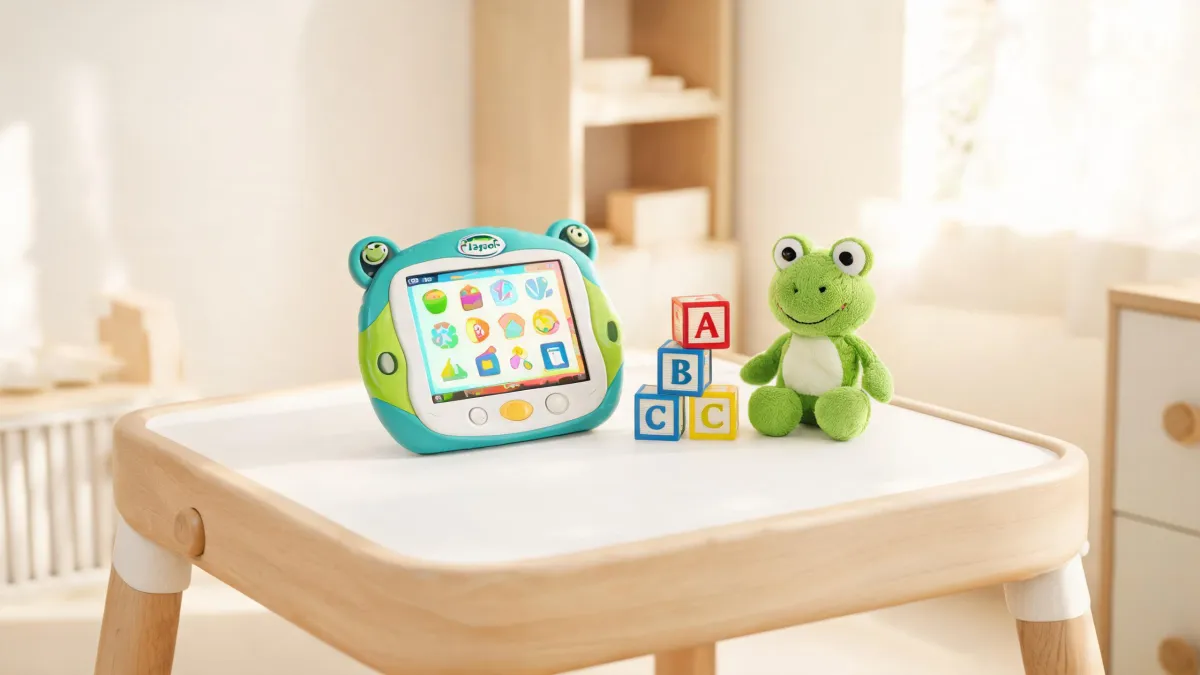
Your four-year-old's first tablet should be judged by what it feeds his mind, not by screen specs. The LeapPad Academy pairs a modest, kid-proof device with the LeapFrog Academy curriculum—2,000+ learning activities and age-banded paths for 6 months to 8 years. The catch: the full curriculum requires a subscription after the trial. If you're ready to pay for structure, it's worth considering; if you want a flexible tablet without recurring fees, a regular Android tablet may serve you better.
LeapPad Academy or a Regular Android Tablet for Your Child?
Your four-year-old is ready for his first tablet, and the store offers two tempting options: a LeapPad Academy, with its cheerful green case, and a generic Android tablet that costs half as much. On paper, the Android tablet looks better—more storage, a higher-resolution screen, and the freedom to install any app. Yet the LeapPad Academy carries a name that promises education, and that premium comes with a required subscription trial for LeapFrog Academy. So which one actually teaches your child something? The answer isn't found in specs sheets; it's in what each tablet feeds your child day after day. Before you compare screen sizes, you need to decide whether you're buying a toy that entertains or a system that structures learning. That distinction will drive every other choice, from subscription costs to content quality. And it's precisely the point most parents miss when they grab the cheaper tablet.
So how do you reframe the comparison? Start with the content library, not the hardware. LeapFrog's own homepage promotes 'LeapFrog Academy 2,000+ Learning Activities' and a '1-Month Free Trial.' That's a clue that the brand's real product is the curriculum, not the plastic shell. When a manufacturer leads with an activity count rather than processor speed, you're looking at a learning system, not a media player. The question becomes whether those 2,000+ activities are worth paying for over free apps on a regular tablet. For a child who needs structure, a curated path beats an app store that also offers mindless games. But you can't evaluate that until you understand what the LeapPad Academy actually is and how its content is organized. And you'll also need to factor in the subscription price, because the tablet's included apps are only a taste of what the Academy offers. Many parents mistakenly assume that buying the tablet unlocks the full curriculum, so they're shocked when the free trial ends and the paywall appears. That hidden cost can turn a well-intentioned purchase into a recurring expense. The smart move is to decide upfront whether you're willing to pay for that ongoing value, because if you're not, the LeapPad Academy becomes an overpriced Android tablet with a tougher app store.
What Exactly Is the LeapPad Academy?
What exactly is the LeapPad Academy? It's a dedicated learning tablet from LeapFrog, and the company treats it as a flagship product. On the official support page, the LeapPad Academy appears in the 'Popular Instruction Manuals' list as a PDF, alongside other devices like the LeapPad Ultimate and LeapFrog Epic Academy. That placement confirms it's a current, supported model—not a discontinued impulse buy. The manual's existence also means you can set it up correctly and troubleshoot issues directly. But here's the judgment: a product with an official manual and FAQ is a serious commitment, not a throwaway toy. The support page even features questions like 'How do I factory reset my LeapPad Academy?' and 'My LeapPad Academy isn’t charging, what should I do?'—clear signs that families actually use it daily. So when you see a LeapPad Academy, you're looking at a device backed by a real ecosystem, which matters when something breaks.
But does it fit your child's age? The LeapFrog Academy learning path is organized by age stages, from 'Baby (6-11 mos.)' through 'Pre-K (4 yrs.)' and up to 'Grade 2-3 (7-8 yrs.).' The official age bands include specific ranges like 'Curious Twos (2 yrs.)' and 'Preschool (3 yrs.),' so you can match your child's exact year to a tailored curriculum. This is more than just content sorting—it's a developmental scaffold. A four-year-old gets pre-reading and number games designed for four-year-olds, not a generic mix that's too easy or too hard. That precision is the LeapPad Academy's strongest argument against a cheap tablet, where you'd have to sort through thousands of apps yourself. The verdict: if your child is between six months and eight years, there's likely an age-appropriate learning path waiting. But remember, that path is not automatically unlocked—it lives inside the LeapFrog Academy subscription, which we'll examine next.
How is the LeapPad Academy different from an ordinary Android tablet? The hardware is deliberately modest—LeapFrog isn't competing on screen resolution or RAM. Instead, it offers a closed, child-friendly environment where the accent is on educational apps and parental controls. On an Android tablet, you're constantly policing what your child downloads; on the LeapPad, the curated app store and the Academy learning path funnel content toward learning. But that also means you lose the flexibility to install just any app. For parents who want a dedicated learning tool, that trade-off is worth it. For those who want a general-purpose device to grow with the child, it's a limitation. The key is to recognize that the LeapPad Academy is not an Android tablet with a cartoon cover—it's a purpose-built learning appliance. Understanding that distinction will guide your decision far more than comparing gigabytes.
The Real Core: Is LeapFrog Academy Worth It?
Is LeapFrog Academy's content really that rich? The brand repeats its signature claim—'LeapFrog Academy 2,000+ Learning Activities'—and pairs it with a '1-Month Free Trial' invitation. That's a significant number—two thousand opportunities for your child to practice letters, numbers, logic, and more. By contrast, many ordinary tablets come with a couple of preinstalled educational apps, and the rest is a wasteland of free games. The scale here suggests a structured curriculum, not a random collection. But you should also ask how those activities are organized—whether they form a coherent learning path or just a pile of mini-games. LeapFrog's own pages link these activities to specific skills like reading and math, and to age bands from six months to eight years. So the volume is real, and it's aligned to a framework rather than dumped randomly. That content architecture is what separates a curriculum from a time-filler.
How does the learning path actually work? LeapFrog's site lists the skills covered: Reading & Writing, Mathematics, Logic & Problem Solving, Science, Social Studies, Creativity & Life Skills, Personal & Social Skills, and Language Learning. In addition, the learning path is organized by age, so each child gets a customized sequence of activities that build on one another. This is not just a library of games; it's a progression that adapts to your child's stage. For example, a preschooler might start with letter recognition, then move to simple words, then to sentence structure—each step designed for that age. The continuity matters: a four-year-old doesn't have to jump between unrelated apps, but follows a path that feels like a program. That's the value proposition that justifies a subscription—you're paying for structure, not just content. The verdict: if you want a guided learning journey, the Academy's structure beats assembling your own playlist from a general app store.
So is the subscription worth the cost? The LeapPad Academy itself is a hardware purchase, but the full curriculum requires a LeapFrog Academy subscription, which typically costs around $40–$60 per year after the free trial. If you compare that to buying individual educational apps—each may cost $2–$5, and you'd need dozens to cover all subjects—the subscription can be competitive. But it only makes sense if your child actually uses it consistently. If you see the tablet as an occasional amusement and your child prefers watching videos, the subscription will be wasted money. The value equation also depends on whether you appreciate the parent dashboard and progress reports, which many families find helpful. There's no single right answer; it's a judgment about your child's routine and your budget. A good rule: if your child is in the 3-to-8 age range and you plan daily learning time, the subscription likely pays for itself. If not, a basic tablet plus a few curated apps might serve you better.
How to Verify Age Fit and After-Sales Support?
How can you verify the age fit before buying? Remember the official age bands we listed earlier—they run from Baby (6-11 mos.) through Grade 2-3 (7-8 yrs.). This is not a vague 'ages 3+' label; it's a granular roadmap. You can match your child's exact year to a tailored learning path, which means the Academy grows with them. But note that the LeapPad Academy hardware may be most appropriate for toddlers and preschoolers—you wouldn't hand a six-month-old a tablet. The age stages refer to LeapFrog Academy content, not necessarily to the device itself. So check the recommended age on the packaging, and compare it with the Academy's learning path for your child's stage. That way, you avoid buying a tablet that's either too babyish or too advanced.
What about after-sales support? As we saw earlier, the official support page treats the LeapPad Academy as a current model: it lists a downloadable PDF manual and FAQs that cover everyday issues—how to factory reset the device, what to do when it isn't charging, and other everyday problems. That means you can typically troubleshoot without trial-and-error, and you can find these answers in one place. The existence of these resources tells you that LeapFrog expects long-term use, not a throwaway toy. Compared with an off-brand Android tablet, which may have zero official support, the difference is meaningful. My judgment: a product with a manual and FAQ is safer for a child's device, especially for non-technical parents. So before buying, download the manual and keep the support page bookmarked—a five-minute step that can save hours later.
Your Decision Rule: Buy It or Not?
Remember the store shelf from the start? A LeapPad Academy and a generic Android tablet sit side by side, and you have to pick one. The choice isn't about storage or screen pixels; it's about whether you want a structured learning system or a flexible gadget. For a parent who is willing to subscribe and wants a guided path, the LeapPad Academy is a solid investment. For a family that wants a multi-purpose device and doesn't want recurring fees, a regular tablet plus careful app selection is the better route. There's no universally 'right' answer, but there is a decision rule that fits your situation. And the misbelief to drop now: not all LeapFrog tablets include the Academy content out of the box. You must activate the free trial and eventually subscribe, and the preloaded content varies by model. That hidden cost is the reason many parents feel overcharged later.
Now, what's the actual decision rule you should use? Choose the LeapPad Academy when your child is between three and eight years old, you can comfortably afford a subscription around forty to sixty dollars per year, and you want the Academy's age-banded learning path to be the main screen activity. Skip it in favor of an Android tablet when you need the device for video calls, web browsing, or other family tasks, you prefer one-time app purchases over a recurring fee, or your child is still under two. If you find yourself in the middle, use the one-month free trial as a practical test: put your child through the lessons for two weeks and watch whether they engage. That trial costs nothing and tells you whether the structure fits your family. The rule hinges on content commitment, not hardware specs. When you've made that call, you'll know exactly which box to take off the shelf. And remember, the decision is about how you want your child to spend screen time, not about the logo on the case. That's the judgment that will keep you from regretting the purchase.
The next time you're in that aisle, you'll see past the packaging. You'll check the age bands, peek at the subscription terms, and think about whether the learning path fits your child's daily rhythm. If it does, the LeapPad Academy earns its place. If it doesn't, an Android tablet with a few well-chosen apps will serve just as well. The right choice is the one that matches your family's habits, not the one with the louder box.

Miriam Adler
Miriam Adler is an educational and STEM toy analyst specializing in busy boards, Montessori-style manipulatives, learning towers, sound books, reading pens, pretend-play sets, and early learning toys. She applies ASTM F963 and IEC 62115 methods while evaluating small-part hazards, accessible edges, switch durability, sound output, battery access, pull force, and age-appropriate task complexity. Her work helps parents, retailers, and product teams choose learning products that align developmental goals, supervision needs, interaction design, and the intended age stage.