LeapTV at Home: What Really Determines Whether It Teaches
Posted on 2026-08-25 by Miriam Adler
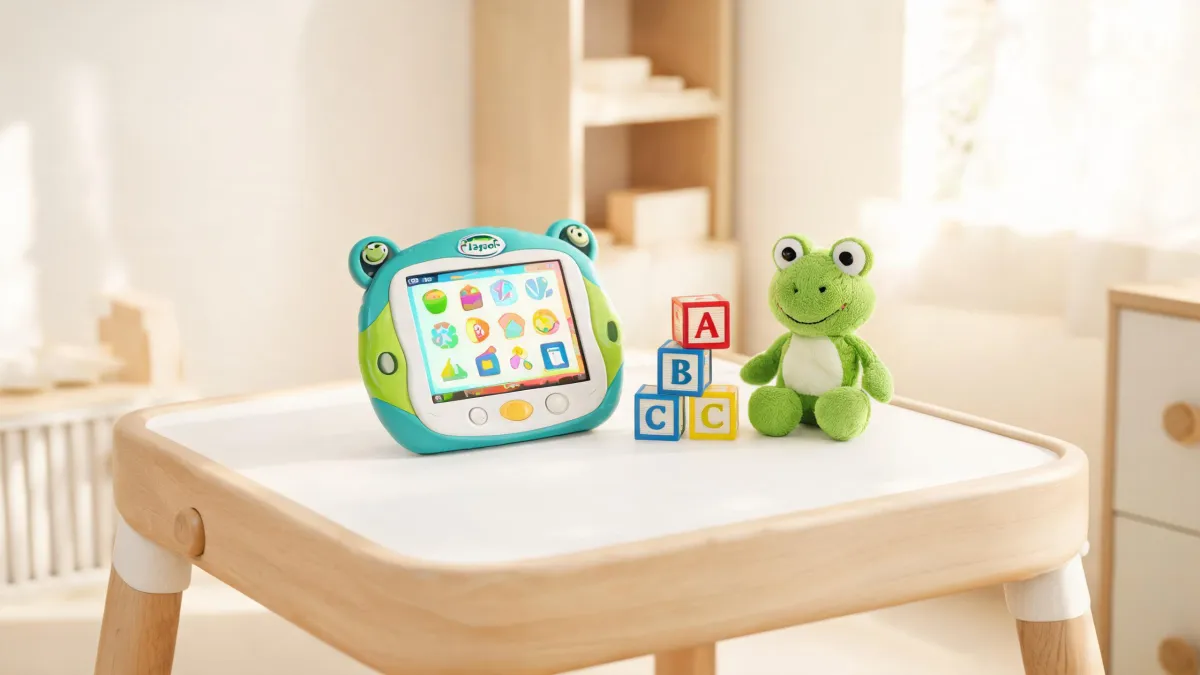
The box lands on your doormat with a thud. Inside, the LeapTV console, a motion-sensing camera, and a game cartridge that promises reading and math. Your child is already bouncing on their heels. But as you lift the box, you catch yourself wondering: will this actually teach anything, or is it just screen time in disguise? That question—not the hype—is where the real evaluation starts.
The Box Arrives: What Parents Usually Miss
You peel open the box and pull out the glossy white console. The motion camera clips onto your TV, and the controller feels chunky but kid-sized. Your four-year-old grabs it immediately, waving it at the screen. In the first five minutes, they're jumping, swiping, and giggling at the animated letters. It looks like play. But that's exactly the trap. If you judge the LeapTV by how much your child laughs, you'll miss what actually matters: whether the games are building skills that stick. The real question isn't "Do they like it?" but "What are they learning, and is it matched to where they are?" The box may promise fun, but the value hides in the learning architecture behind it. You wonder if the excitement will translate into actual progress, or just another box collecting dust after a week.
Most parents assume that if a child loves a game, it must be educational. That assumption is exactly what LeapFrog's product structure quietly challenges. On the official site, the company doesn't just sell games—it sorts them by developmental stage, from Infant (3-12 months) to First Grade & Beyond (6+ yrs.), and by skills like Reading & Writing, Mathematics, and Logic & Problem Solving. This isn't decoration. It's a signal that the learning value depends on alignment: a game designed for a 3-year-old's counting won't challenge a 6-year-old, and a logic puzzle meant for first graders may frustrate a preschooler. When you see "LeapTV Customer Support" listed alongside these categories, it tells you that the system is meant to be a learning companion, not a generic game console. So before you let your child loose, check whether the content matches their current stage—because liking a game isn't the same as growing through it.
So, is the LeapTV worth it? The answer depends less on the hardware and more on two things you control: whether you can see how its learning mechanism works, and whether you're willing to step in as a guide. This guide walks you through a practical five-point evaluation—from content depth to actual usage—so you can decide with your eyes open. The box alone won't deliver value; the alignment between your child's stage and how you use it will. If you skip that, you're buying an expensive toy. If you engage with it, you're investing in a learning ecosystem that can grow with your child from preschool through early grades. Keep that standard in mind as we unpack the evidence.
Inside the LeapTV: Why Learning and Play Are Wired Together
Why would you choose a LeapTV instead of just handing your child a tablet? It's a fair question, and the answer starts with how LeapFrog positions the device. On the company's own home page, LeapTV is listed under "Learning Systems," not under "Tablets." That's a deliberate distinction. The product page mentions "LeapTV Customer Support" alongside an entire library of age-sorted content, from "Toddler (1-3 yrs.)" to "Kindergarten (5-6 yrs.)"—and the support section includes PDF instruction manuals and FAQs for the LeapTV specifically. This tells you two things: first, LeapTV is built as a learning tool with a support ecosystem behind it; second, the company expects you to engage with that ecosystem. If a generic tablet is a blank slate, LeapTV is a curated pathway—and that curation is exactly what makes it different in practice.
The reason LeapTV wires learning into play is visible in the way LeapFrog organizes its entire catalog. Look at the official navigation: there's a "Learning Path" that breaks down skills by age—Infant (3-12 months), Toddler (1-3 yrs.), Preschool (3-4 yrs.), Pre-K (4-5 yrs.), and so on through First Grade & Beyond (6+ yrs.). Each stage lists specific skills: Reading & Writing, Mathematics, Logic & Problem Solving, Science, Social Studies. When a game is placed into that framework, it isn't just a random cartoon; it's a targeted exercise designed for a particular cognitive step. The LeapTV sits inside this system, which means the games you buy are pre-aligned to those stages. So the causal chain is: choose your child's age and skill, select a game from the matching shelf, and the play experience is structured to build that skill. If you skip the alignment, you break the chain, and the device degrades into generic entertainment.
Under the hood, the LeapTV's mechanism is active, not passive. Unlike a tablet where a child taps a screen while lying on the couch, the LeapTV uses a motion-sensing camera that tracks the player's body. Games respond to jumping, waving, and stepping, so the learning is embodied: a math game might have you jump to count, or a reading game might have you move to catch letters. On LeapFrog's support page, the LeapTV appears in a dedicated "Learning Tablets & Gaming Systems" section, with its own manuals and troubleshooting guides—a sign that the hardware is engineered for repeated, active use. That physical component changes the learning condition: it converts screen time into gross-motor activity, which can be a better fit for the short attention spans of 3- to 6-year-olds. But it also means your living room becomes the arena, so you need to plan for space and supervision.
The Five-Point Check: What to Evaluate Before You Trust the Game
To decide whether the LeapTV earns its place in your home, run it through a five-point check before you commit. First, content quality: are the games substantive enough to teach real skills? Second, age fit: does the library match your child's developmental stage? Third, parental controls: can you limit playtime and monitor progress? Fourth, service support: what happens when the device breaks or you need help? Fifth, usage pattern: how will you actually use it—as a free-play toy or as a guided learning session? Each point forces you to see the device as a learning tool rather than a magic box. The next few paragraphs dig into the first two points with evidence, because those are where most parents make the costliest mistakes. You'll also find a practical way to weigh the rest before you buy.
Content quality is the first place to look, and LeapFrog's own information architecture makes the case. On the home page, you'll find a "Learning Path" that maps age bands to specific skills—"Reading & Writing," "Mathematics," "Logic & Problem Solving," "Science," and more. For example, a child in "Pre-K (4-5 yrs.)" gets activities aimed at letter sounds and early number sense, while a "Kindergarten (5-6 yrs.)" child moves toward reading sentences and basic addition. This isn't a library of random minigames; it's a curriculum in disguise. The anchor here is that LeapTV is woven into this same catalog, appearing in the "App Center" and "Learning Systems" listings alongside games that are explicitly labeled by skill and stage. When you can see exactly which cognitive goal a game targets, you can assess whether the content will stretch your child rather than merely entertain them. That specificity is what separates an educational system from a toy with a screen. And it gives you a concrete conversation to have with your child about what they're practicing.
Service support is the unglamorous but decisive part of the evaluation. LeapFrog's support hub lists popular instruction manuals for the LeapTV and links to FAQs like "How do I factory reset my LeapPad?" and "I forgot my parent lock code." More importantly, the legal pages reveal a United States/Canada Two Year Limited Kid-Proof Warranty for products like LeapPad Ultimate and Epic purchased after May 17th, 2017—so the company is willing to back its hardware against rough handling. When a toy survives two years of drops and spills, that's a meaningful signal. It also means that if you lose a cable or need a replacement part, there's an official channel rather than a dead end. The practical takeaway: check whether the warranty covers your specific model before you buy, because the support infrastructure determines whether a broken LeapTV is a repair or a recycling-bin event.
From Unboxing to Screen Time: How Use Decides the Outcome
Picture two families with the same LeapTV. In the first home, the console gets plugged in on Saturday morning, and the kids play whichever game they want. The parents are nearby but busy. The games they choose are the flashy ones, and the learning is scattered. Six months later, the system is a source of screen-time arguments, not progress. In the second home, the parents spend twenty minutes the evening before picking a skill for each session—today it's number sense for the 5-year-old, letter sounds for the 4-year-old. They play alongside, ask questions, and limit the session to twenty minutes. The difference isn't the hardware; it's the context. The same games can produce either fun or learning depending on how you frame them. That's the hidden variable that no spec sheet will tell you. It's also the one factor you fully control.
The condition that decides the outcome is parental involvement. This isn't a vague platitude—it's built into how LeapFrog structures its content. The homepage touts "LeapFrog Academy 2,000+ Learning Activities" with a "Learning Path" that guides you through what your child should practice next. That's a powerful tool, but it's only effective if you use it. If you hand the LeapTV to your child and walk away, the 2,000+ activities become an overwhelming buffet; your kid will graze on the most entertaining options, not the ones that build missing skills. If you instead sit down once a week, review the learning path, and choose two or three activities tied to a specific goal, you convert that raw content into a planned curriculum. The evidence points to the same conclusion: the depth of the library means nothing without a guide to navigate it. You are the guide. That's a key condition to accept before you buy.
So where does that leave you? The LeapTV's value is conditional. In one mode—free play without direction—it's a fun toy with educational sprinkles. In the other mode—guided, goal-oriented use—it's a genuine learning system. The same machine, the same games, two very different outcomes. The condition is not age or IQ; it's whether you're willing to be the adult who sets the frame. If you expect the device to educate your child on its own, you will be disappointed. If you expect to be a co-player and selector, you'll get value that compounds over time. That's the honest summary of the evidence: the system is a tool, and like any tool, its effect depends on the craftsman. The next section gives you a clear rule to follow. If that responsibility sounds like a chore, consider it part of the purchase price.
So, Is It Worth It? A Clear Call for Your Family
So, back to that box on your doormat. Is the LeapTV worth it? The honest verdict: yes—but only for families who accept the conditions. If you're ready to sit on the floor, pick a skill, and play alongside your child for twenty focused minutes a few times a week, the LeapTV can deliver learning that's genuinely more engaging than a worksheet. The five-point check we ran all pointed to the same thing: the value is in the ecosystem you activate. The hardware is a gateway, not the destination. If you're not willing to activate it, the box will become another shelf-dweller, and you'd be better off with a simple tablet and a well-chosen app list. The difference isn't in the plastic; it's in the plan you bring to it. That's a verdict you can test in your own living room this weekend.
Here's a decision rule you can apply in five minutes. Ask yourself three questions. One: Is my child between 3 and 8 years old, with an attention span that can handle a guided session? Two: Am I willing to spend at least two twenty-minute sessions per week as a co-player, choosing skills from the learning path? Three: Do I have a clear learning goal—like number sense, letter recognition, or phonics—that I want to work on? If you answer yes to all three, the LeapTV is a solid investment. If you answer no to one or more, you're better off with a simpler option: a LeapStart for younger kids, or a curated tablet with educational apps. The rule cuts through marketing: it matches the system's strengths to your actual capacity. If you're on the fence, use those answers as your tie-breaker.
The final step isn't a purchase decision—it's a conversation. Sit down with your child and watch a couple of LeapTV demo videos together. Notice which games make them curious and which ones they want to replay. Then ask yourself the question this whole guide has circled around: are you buying a babysitter or a learning partner? If you can articulate what you want your child to practice—and when you'll do it—the LeapTV earns its place. If you can't, no review or discount code will fix that. The box will still be waiting on the doormat, but the answer will be yours to make, with your eyes open and your calendar ready. That's what separates a wise investment from a regretful purchase.
The answer, as with most educational tech, lives in the hands that use it.

Miriam Adler
Miriam Adler is an educational and STEM toy analyst specializing in busy boards, Montessori-style manipulatives, learning towers, sound books, reading pens, pretend-play sets, and early learning toys. She applies ASTM F963 and IEC 62115 methods while evaluating small-part hazards, accessible edges, switch durability, sound output, battery access, pull force, and age-appropriate task complexity. Her work helps parents, retailers, and product teams choose learning products that align developmental goals, supervision needs, interaction design, and the intended age stage.